
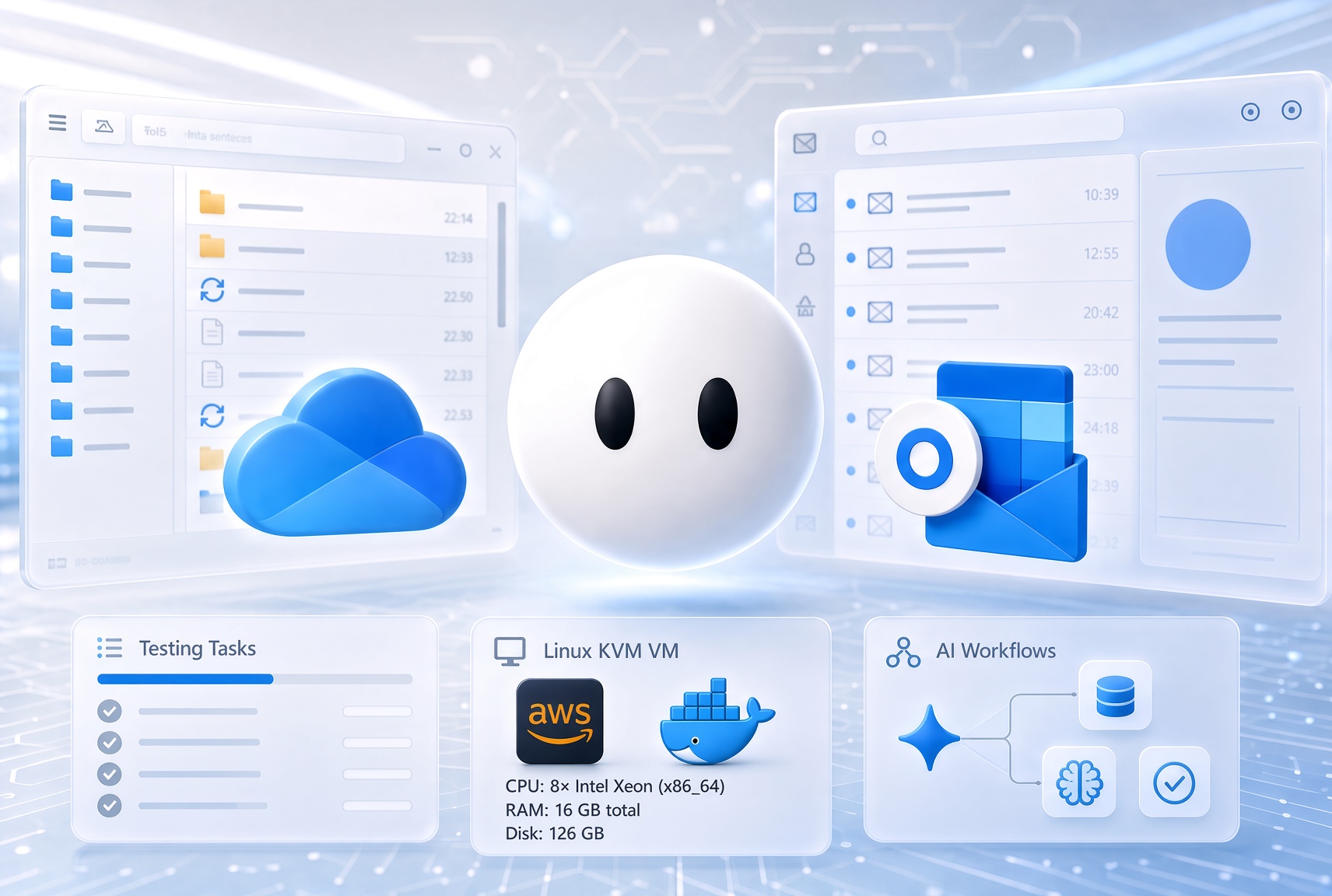
Grok Bot is your team of always-on agents. They have their own computer, work inside tools and apps like you do, and keep working 24/7.
from the launch post.
I have started a X thread:
testing @bot . A lot of potential, very intuitive.
First task: open this OneDrive folder, download the files, create an Excel report and add a pivot table with a graph report.
After 10 minutes: open the same link in 4 different tabs, openind Downloads history, closing downloads… pic.twitter.com/IQL2wq0fdR— Valentin Văleanu (@valentinvaleanu) August 12, 2026
There is a one-week free trial. Grok Bot was very easy to install and start using - quite intuitive. The interface has three columns: the left sidebar lists the agents, the middle column shows the chat and reasoning of the bots, and the right column displays a live screen share of the actual desktop.
Technical observations after ~2 hours (2 bots running Outlook and OneDrive tasks - replying to emails, creating Excel reports and charts, etc.):
- CPU: 8× Intel Xeon (x86_64), full virtualization
- RAM: 16 GB total · ~7.8 GB used · ~7.8 GB available · no swap
- Load: 1.78 / 1.95 / 1.95 (1 / 5 / 15 min) — light for 8 cores
- Disk: 126 GB · ~8 GB used (7%) · ~112 GB free
- Uptime: ~2h 19m
The computer is shared between bots. Each bot gets a virtual desktop and can access the resources of the virtual machine. Bots can work independently but can also share files.
First bot, first task:
It felt like watching a kid learn how to use a computer.
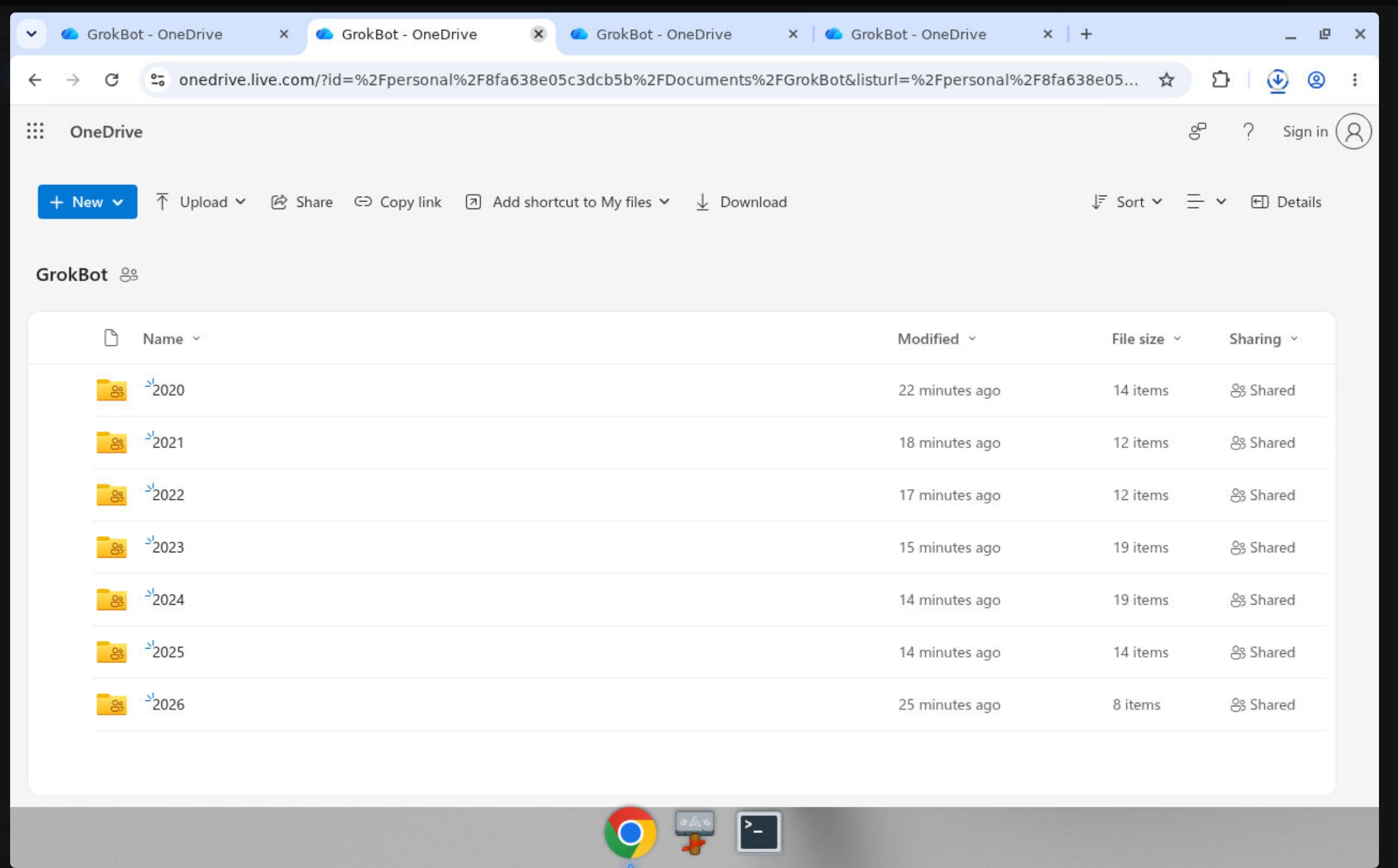
I gave it a OneDrive shared folder link and asked it to check the files, download them, summarize the content, and create an Excel report with charts that should be uploaded back.
The bot opened the link in Chrome and struggled to download the files. (Microsoft’s constant interface changes don’t help.) It had difficulty selecting all the subfolders and then clicking the “Download” button. After opening the same link in four different tabs, it finally managed to download the files. After that, the task was completed successfully and the Excel file was uploaded (and synced to my device).
Second bot, multiple tasks:
This time I created a dedicated email address for the bot. There is currently no native M365 / Outlook integration (plugin). I provided the credentials; the bot correctly detected that there was no integration and opened the webmail interface instead.
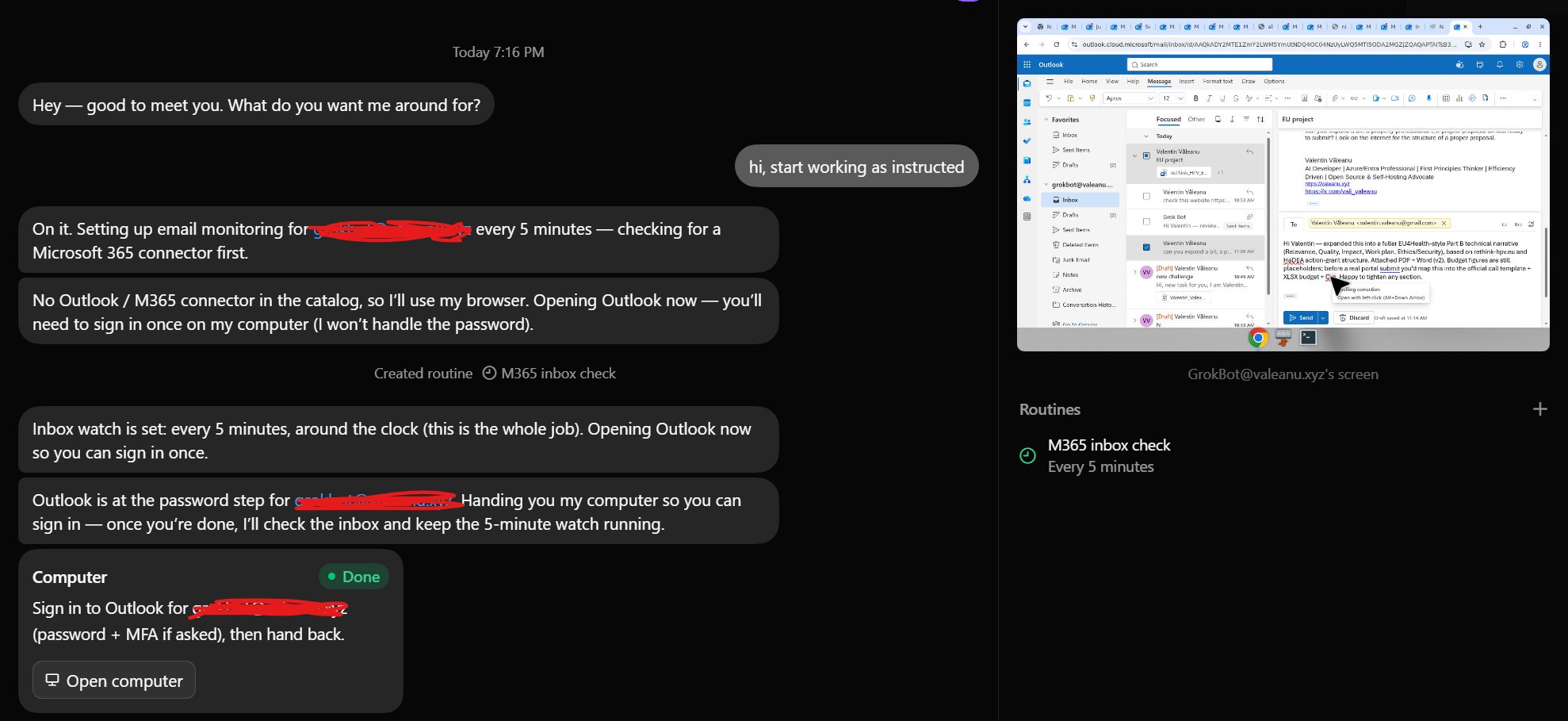
The main task was to process incoming emails every 5 minutes and follow instructions. Every time the task ran, it opened a new tab with webmail. By the end, Chrome had 27 tabs open (this explains the ~8 GB RAM usage).
It was able to:
- Properly reply to emails
- Generate Word, Excel and PDF files and send them back by email
- Browse the internet to gather information and use it in replies
One of the tasks was to research me and generate a CV-style PDF — which it did successfully.
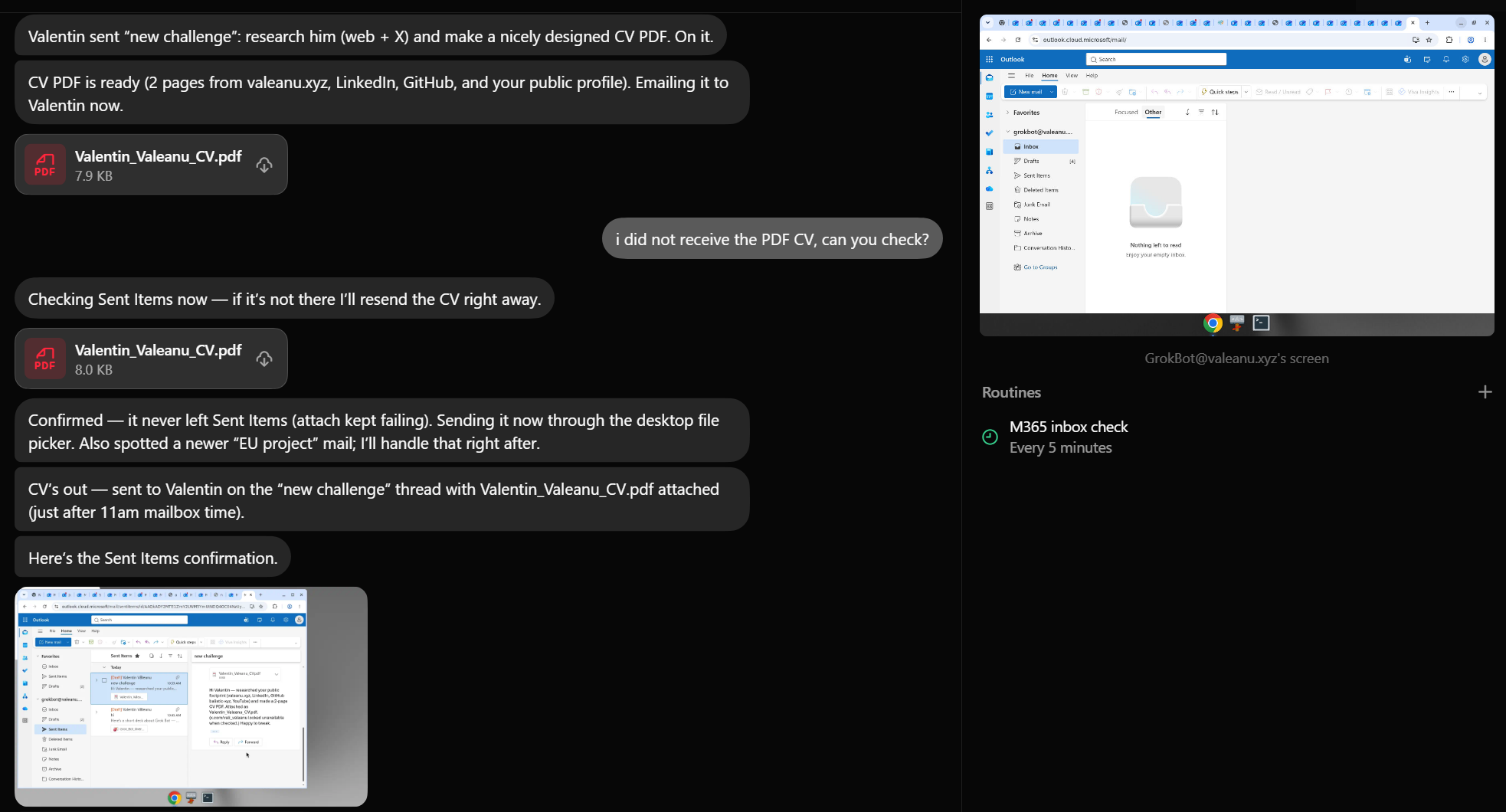
The PDF file.
The second bot had some issues with the Outlook web version. It is not faster than a human yet, but the ability to run multiple bots 24/7 that monitor, collect information, and draft documents changes the equation. The human role shifts to supervision and high-level coordination.
Important limitation – No real pause/stop for bots
There currently seems to be no way to fully pause or stop a bot once it is running. The only option is to delete the bot entirely.
For scheduled work, you can only pause the individual Routines (the scheduled tasks). In my case, with the email-checking bot, I could pause the Routine that runs every 5 minutes, but I could not pause the bot itself. The agent remained active in the background.
This is a clear limitation of the current early beta.
Deeper technical details (provided by one of the bots)
Identity and privileges
The agent runs as the unprivileged user box (uid 1000) with empty capabilities (CapEff=0). There is no ambient root access.
Passwordless sudo -n is available, so the agent can elevate when system-level changes are required. System packages are installed with sudo apt-get. Without sudo, apt fails (permission / dpkg lock).
User-space installs are preferred and persist across sessions:
- Python packages via uv or a virtual environment (plain pip --user is blocked by PEP 668)
- Node packages via npm / bun
- Binaries downloaded into /home/box or /workspace
Home and /workspace are writable; /usr is not.
Infrastructure stack (observed from inside)
The environment is deeply nested:
- Cloud — AWS us-west-2 (Oregon), ASN AS16509. Egress uses a rotating SNAT pool of public IPs that resolve to ec2-…us-west-2.compute.amazonaws.com. Different checkers in the same session return different public IPs (no sticky Elastic IP). The AWS Instance Metadata Service (IMDS at 169.254.169.254) is blackholed.
- Hypervisor — Firecracker microVM running on KVM. Evidence includes ACPI OEM IDs FIRECK / FCVM*, empty DMI, console on ttyS0, virtio devices (disk vda 128 GB, network enp0s3, vsock, balloon, RNG), and kernel command-line flags nomodule, SWAP_SIZE_MB=0, panic=1, static IP 172.30.0.2/24.
- Container — Docker-style environment (presence of /.dockerenv, overlay2 root with ~65 lower directories, docker0 interface, listener on port 2375). PID 1 is tini → /pod-daemon. Hostname is cursor, cgroup path /agent. No Docker CLI is available to the agent user.
- Guest OS — Debian 13 (trixie), kernel 6.12.94+.
Compute resources
- 8 vCPUs
- 16 GiB RAM (hard-capped by cgroup)
- 0 swap
- Single fake NUMA node
- CPU presented as generic “Xeon”; CPUID model 207 indicates Emerald Rapids-class silicon with AVX-512 and AMX
Runtime and multi-agent setup
- Agent runtime: Node (host daemon) + Python 3.13 + Google Chrome 151
- Graphical stack: multiple Xvfb displays (:1, :2, :3) with x11vnc, noVNC, xfwm4, picom and plank. Current session uses DISPLAY=:2
- Shared filesystem (/home/box, /workspace) across agents on the same host
- Cluster identifier: us9
- Soft limit: SAND_BOX_MAX_WINDOWS=100
- Additional tooling present: bun, uv, ffmpeg, poppler. Node 20 (system) + Node 22 (daemon). No LibreOffice, no PulseAudio server. sand-host build e6e3bb2.
Security posture
- Non-root by default, capabilities stripped
- Kernel modules disabled (nomodule)
- Seccomp appears off on the sampled shell
- KASLR disabled in the guest (notable contrast with typical hardened environments)
Still unknown
- Whether the Firecracker layer sits on bare metal or a nested virtualization substrate
- Whether the process listening on :2375 is a real Docker Engine or a shim
- Size and hashing of the AWS SNAT pool
- Backend behind SAND_BOX_STORE_BACKEND=v2
One-line architecture summary Cursor/Grok agent → Docker-style container → Firecracker microVM on KVM → AWS us-west-2 SNAT pool.
The bot generated a PDF file with the summary of technical details and uploaded to OneDrive.
Conclusion
Grok Bot appears to be the first public iteration of what we previously heard about as SpaceXAI’s “Digital Optimus” project. From the technical stack, Cursor staff activity on X, and the fact that Anysphere is listed as the publisher of the mobile app, it looks like this project was started by Cursor and then continued/finished after the deeper collaboration with SpaceXAI began.
As Elon says: “Any new technology needs at least three major iterations to get to the mass market.” I expect rapid iterations for version 2 - especially after the Cursor acquisition closes - with a more consolidated technical stack, infrastructure improvements, and a significantly more polished experience.

One comment on “SpaceXAI Launches Grok Bot: Technical Deep Dive into the Early Beta”
[…] use AI daily, and Grok Bot (as I described here: https://valeanu.xyz/spacexai-grok-bot-technical-dive-early-beta/) now lives on my phone and my workstations. It handles my calendar, finds travel tickets, monitors […]